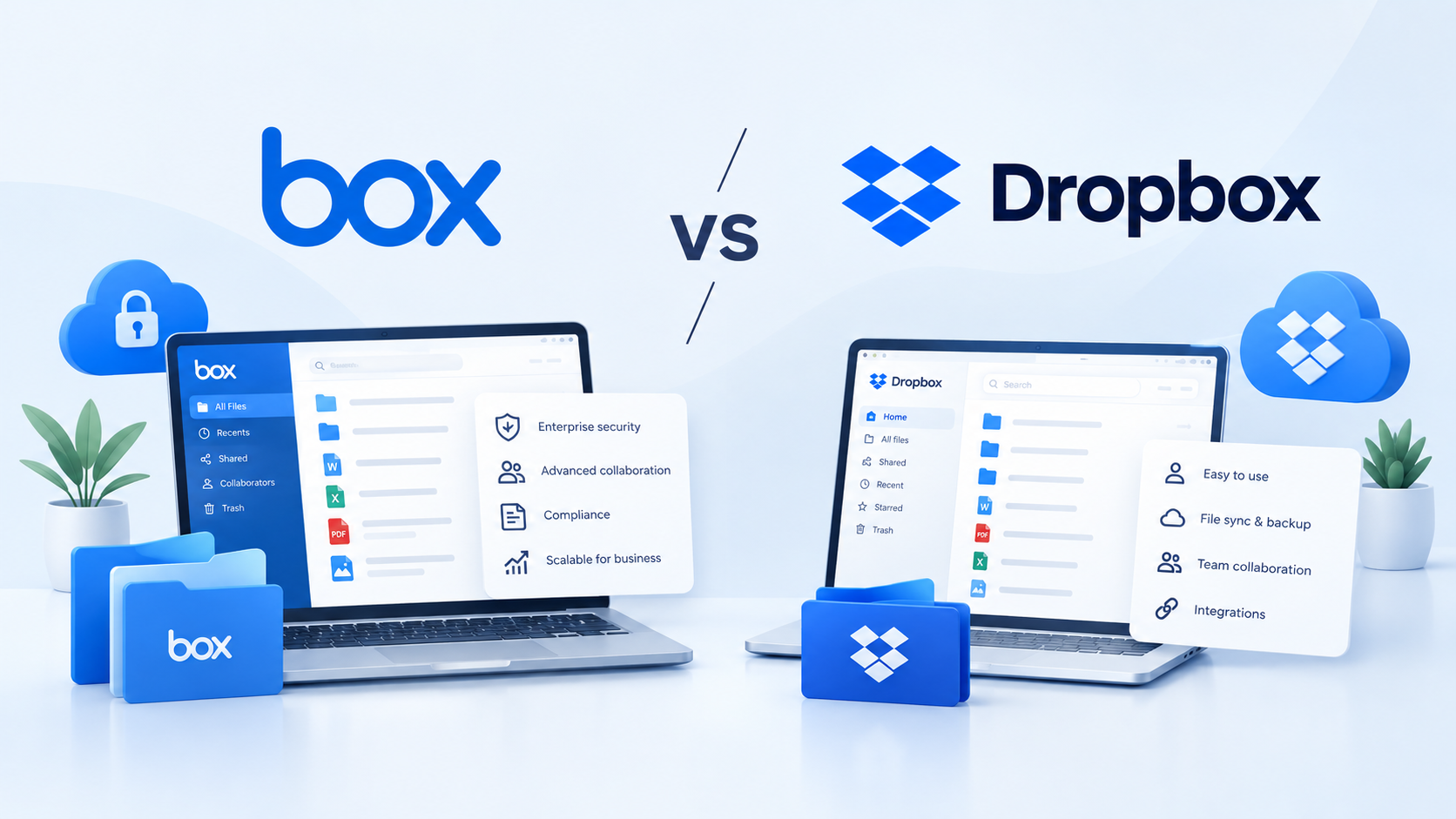
Dropbox vs Box is a decision most growing organisations face once file sharing outgrows shared drives and email attachments. The short answer: choose Dropbox if you’re a freelancer, solo consultant, or small team that wants fast, simple sync; choose Box if you operate in a regulated industry or need enterprise-grade admin controls.
This guide compares both platforms across features, pricing, security, and ease of use, weighing genuine trade-offs rather than declaring one winner.
It matters equally to a freelancer comparing monthly cost and to an IT manager or compliance officer comparing risk exposure.
Box vs Dropbox at a Glance
| Box | Dropbox | |
|---|---|---|
| Best for | Enterprises and regulated industries | Freelancers, individuals, and small teams |
| Starting business price | $5/user/month (Business Starter, 3-seat minimum, billed annually) | $15/user/month (Standard, no seat minimum, billed annually) |
| Free plan storage | 10 GB | 2 GB |
| Core strength | Security and compliance | Simplicity and sync speed |
For UK teams researching the best cloud storage options for business, Box and Dropbox remain the two most-searched names. Before comparing Box versus Dropbox feature by feature, it helps to know what each platform actually is.
What Is Box?
Box is a cloud content management platform built for enterprise security and compliance.
Aaron Levie and Dylan Smith founded the company in 2005, and, according to Box, it is trusted by a majority of Fortune 500 companies for secure storage and workflow automation.
The platform centres on granular permissions, audit trails, and industry certifications, which is why regulated sectors, such as banking, healthcare, government, and legal services, make up a large share of its customer base. A law firm running client due diligence, for instance, typically values Box’s permission structure more than any single feature.
Box’s Business plans include Box AI and e-signature, while Box Hubs content portals are available from the Enterprise tier, positioning the product as a governance-first alternative to consumer-grade storage.
What Is Dropbox?
Dropbox began in 2007 as a straightforward file-sync tool and has grown into a broader content workspace used by more than 700 million registered users worldwide. Individuals and small teams choose it mainly for a fast, reliable sync client and clean sharing links rather than administrative depth.
Its Standard and Advanced business plans add team collaboration and administration features, while Dropbox Dash is available as a separate paid product for eligible Dropbox customers. An AI-powered search tool surfaces files and content across connected apps such as Google Workspace and Slack.
A five-person design studio sharing large video files with clients is a typical Dropbox user. Freelancers, agencies, and small businesses without a dedicated IT function generally find it easier to set up and administer than Box.
Box vs Dropbox: Key Feature Comparison
The two platforms differ most in feature depth, particularly across four areas: sync, collaboration, AI, and integrations.
File Sync and Sharing
Dropbox’s sync engine remains one of the fastest in its category, using block-level sync so only the changed portion of a file is uploaded rather than the whole file, and Smart Sync lets users see cloud-only files locally without downloading them first.
Box syncs reliably too, but its architecture centres on structured folders and permissions rather than raw sync speed, which suits teams that need tight control over who can view, edit, or download shared content.
Yet, both platforms support shared links with expiry dates and password protection on paid plans.
Collaboration Tools
Dropbox previously centred collaboration around Dropbox Paper, a real-time document editor. Dropbox retired Paper’s mobile apps in October 2025 and now runs the tool only through the browser at paper.dropbox.com.
Box takes a workflow-first approach through Box Relay, letting admins build approval chains and automated content routing without writing code – for example, a finance team routing invoices for sign-off.
Teams that need lightweight co-editing will find Dropbox’s model faster to adopt. However, teams in need of repeatable, auditable approval processes get more structure from Box Relay.
AI Features
Box AI is built into Business plans and above, handling single-file question-answering and content generation. Enterprise adds expanded AI capabilities, while Enterprise Plus adds multi-document Q&A and Box Agent. Box Extract availability varies by feature and plan.
Dropbox’s AI layer, Dropbox Dash, works differently: it’s a universal search tool that indexes content across Dropbox and connected apps such as Notion, Gmail, and Google Drive, surfacing answers and summaries rather than editing files directly.
Box AI works primarily with content inside Box, whereas Dash searches across platforms, making it more useful for teams with files scattered across multiple systems.
Integrations
Box advertises more than 1,500 built-in integrations on Business plans and above, spanning Microsoft 365, Google Workspace, Salesforce, and Slack. Dropbox’s native integration catalogue is smaller, though Dash extends its reach by connecting to third-party apps for search purposes rather than deep two-way sync. Teams already standardised on Microsoft or Salesforce workflows will generally find Box’s native connectors more mature and easier for admins to manage centrally.
Box vs Dropbox: Security & Compliance
Security posture is the single biggest differentiator between the two platforms, and it’s where Box’s enterprise positioning becomes most concrete.
| Feature | Box | Dropbox |
|---|---|---|
| SOC 2 | Yes, from Business tier | Yes, all business tiers |
| HIPAA compliance | Enterprise tier and above | Standard tier and above (enable HIPAA compliance setting) |
| FedRAMP | Moderate, Enterprise and Enterprise Plus | Not offered |
| SSO / Active Directory | Business tier and above | Advanced tier and above |
| Version history | Up to 50 versions (Business/Business Plus), unlimited on Enterprise Plus | 180 days (Standard), 1 year (Advanced/Enterprise) |
Regulated industries, such as banking, healthcare, legal, and government, tend to default to Box because FedRAMP Moderate authorisation and Enterprise-tier HIPAA support are built into the platform rather than bolted on.
Dropbox has closed part of the gap: its Standard plan now includes an option to enable HIPAA compliance, which was previously reserved for higher tiers. Dropbox’s lack of FedRAMP authorization narrows the options for U.S. federal agencies and contractors, with Box and a handful of government cloud providers as the main alternatives.
Version history follows the same pattern – Box caps most business tiers at 50 versions per file, while Dropbox extends to a full year on Advanced and Enterprise.
Box pricing vs Dropbox pricing
Pricing follows the same enterprise-versus-simplicity pattern as the features above, and the tiers Box publishes make the trade-off explicit.
| Plan Tier | Box | Dropbox |
|---|---|---|
| Free | 10 GB (Individual) | 2 GB (Basic) |
| Entry business tier | Business Starter: $5/user/month, 3-seat minimum, 100 GB of storage | Standard: $15/user/month, no seat minimum, 3 TB pooled storage |
| Mid-tier | Business: $15/user/month, unlimited storage, Box AI included | Advanced: $24/user/month, 3-seat minimum, 15 TB pooled, SSO included |
| Enterprise | Enterprise: $35/user/month, FedRAMP Moderate, HIPAA | Enterprise: custom quote |
Dropbox’s published plan comparison follows a similar structure, but its entry-level business tier has no minimum seat requirement. That makes it more practical for solo users who do not need to pay for additional licences.
The prices above are US-dollar list prices. UK pricing may vary based on regional pricing and billing terms, and both vendors offer roughly 20-30% savings with annual billing compared to monthly.
Which Is Cheaper – Box or Dropbox?
For freelancers and two-person teams, Dropbox is cheaper because its Standard plan has no minimum number of seats, while Box business plans require at least three paid users.
A two-person consultancy, for example, would pay $30 per month for Dropbox Standard but would need to cover a third, unused seat on Box. At three users, however, Box Business Starter becomes the cheaper option for basic file sharing at $5 per user per month when billed annually, compared with $15 per user for Dropbox Standard.
At roughly $15 per user per month, Box Business offers unlimited storage, while Dropbox Standard starts at 3 TB and adds 1 TB for each additional actively used licence. Price matters less, and security, integrations, and other feature differences become more important.
Box vs Dropbox: Pros and Cons
| Pros | Cons | |
|---|---|---|
| Box | Strong compliance certificationsGranular admin controlsDeep Microsoft and Salesforce integrations | Three-seat minimum on every business tierSteeper learning curveHigher per-seat cost at scale |
| Dropbox | No seat minimum on StandardFast syncSimple onboarding | Free tier capped at 2 GBNo FedRAMP authorisationLighter admin controls on Standard |
Who Should Choose Box vs Dropbox?
The comparisons above point toward a few clear patterns by team type.
Choose Box If…
You operate in a regulated industry, such as finance, healthcare, legal, or government, that requires FedRAMP or HIPAA support.
You need granular admin controls, audit trails, and role-based access at scale.
Your workflows already run through Microsoft 365 or Salesforce, and you want native, deep integration.
You’re comfortable committing to at least three paid seats even if only two people use the account today.
Choose Dropbox If…
You’re a freelancer, a solo consultant, or a team of one to two people who don’t want to buy a third seat just to get business features.
You prioritise fast sync and a simple interface over administrative depth.
You want a lower cost of entry with predictable, transparent list pricing.
Your compliance needs stop at SOC 2 and standard encryption, not FedRAMP.
When Neither May Be the Right Fit
Dropbox and Box support controlled business file sharing, but purpose-built virtual data rooms provide transaction-specific workflows and controls for M&A and fundraising.
For M&A or fundraising, a purpose-built data room is usually a better fit, particularly where detailed activity tracking and granular document permissions are priorities in a virtual data rooms comparison.
- Read more: Considering Box for a live transaction? See how Box data room compares to a purpose-built data room to find the right Box alternative for deal-specific document control.
FAQs
Is Box more secure than Dropbox?
Box holds a broader compliance footprint than Dropbox, including FedRAMP Moderate authorisation at the Enterprise level and HIPAA support from the Enterprise tier upward. Dropbox has narrowed this gap by extending HIPAA-enablement down to its Standard plan, but it still holds no FedRAMP authorisation.
- For organizations that specifically require FedRAMP Moderate or Box’s Enterprise-level compliance controls, Box offers the broader compliance fit.
- For general business use, both platforms rely on comparable encryption and SOC 2 controls, so the difference matters less.
Which is cheaper, Box or Dropbox?
It depends on team size. Dropbox Standard carries no seat minimum, so a solo user or two-person team pays less overall than Box, which requires at least three paid seats on every business tier. For teams of three or more who only need basic storage, Box Business Starter, at $5 per user per month, undercuts Dropbox. At around $15 per user per month, Box Business offers unlimited storage, while Dropbox Standard uses a capacity-based storage model.
Can Box and Dropbox be used together?
Yes. Some organisations run Dropbox for day-to-day sync and use Box for a specific regulated workflow, such as legal document retention or a compliance-heavy client deliverable. Running both increases licensing costs and creates two places to search for files, so most teams eventually standardise on one platform rather than maintaining both long-term, once the regulated workflow is settled.
Does Box or Dropbox offer better AI features?
Box AI is deeper for content already stored in Box, including multi-file question-answering and content generation on Enterprise tiers. Dropbox Dash is broader in scope, searching across Dropbox and connected third-party apps such as Gmail and Notion, rather than staying within a single storage system. The better fit depends on whether AI needs to reach content outside Dropbox or Box specifically.
Which is better for a small business, Box or Dropbox?
Dropbox typically fits small businesses better, since its Standard plan has no seat minimum and its interface needs little training. Box becomes the better fit once a small business handles regulated data, such as client financials, health records, or legal files, because its certifications and admin controls justify the higher per-seat cost.
Final Verdict: Dropbox vs Box
There is no universal winner in this cloud storage comparison.
The better choice between Dropbox and Box depends on what the team needs most: Dropbox is stronger on simplicity, sync performance, and flexible pricing for individuals and small teams, while Box is better suited to organizations that need deeper compliance controls, centralized administration, and enterprise integrations.
- Freelancer or 1–2-person team: Dropbox
- Small team (3–10) without regulatory requirements: Compare Dropbox Standard and Box Business Starter based on total seat cost
- Regulated industry, including finance, healthcare, legal, or government: Box
- Enterprise using Microsoft 365 or Salesforce at scale: Box
- Live M&A deal, fundraising round, or other sensitive transaction: Neither; use a purpose-built data room.
For M&A and other sensitive transactions, compare data room options designed for controlled, trackable access to documents.